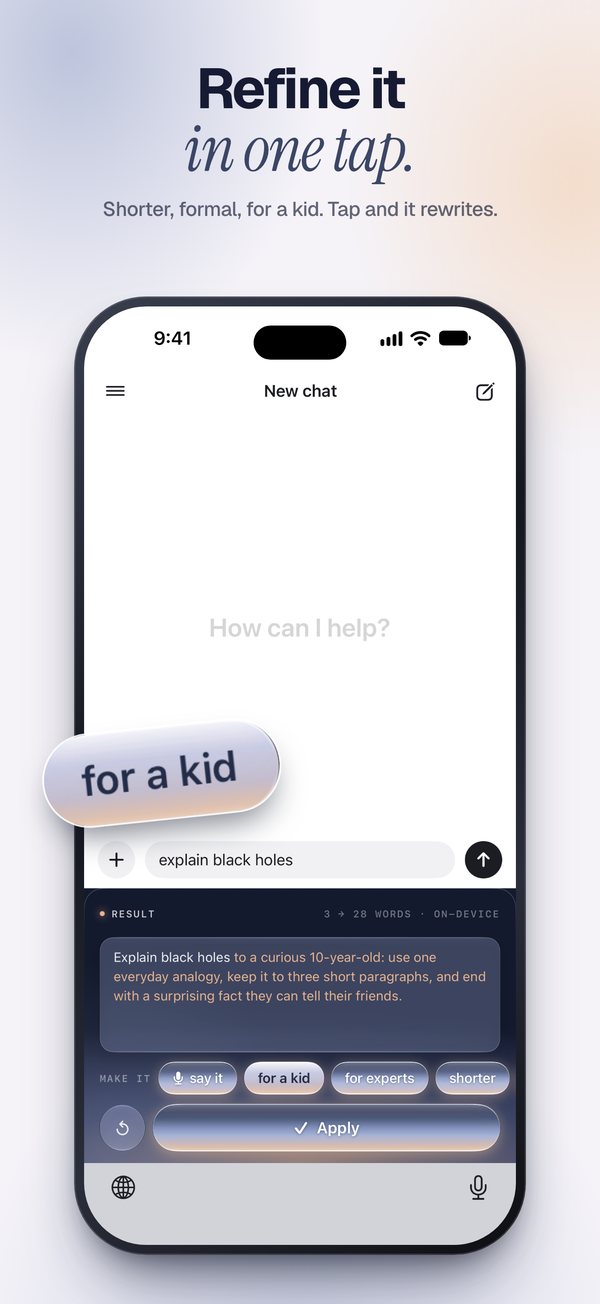
Refine in one tap
Not quite right? Tap a chip and it rewrites. Undo brings the last one back.
shorterfor a kidformalmore detail
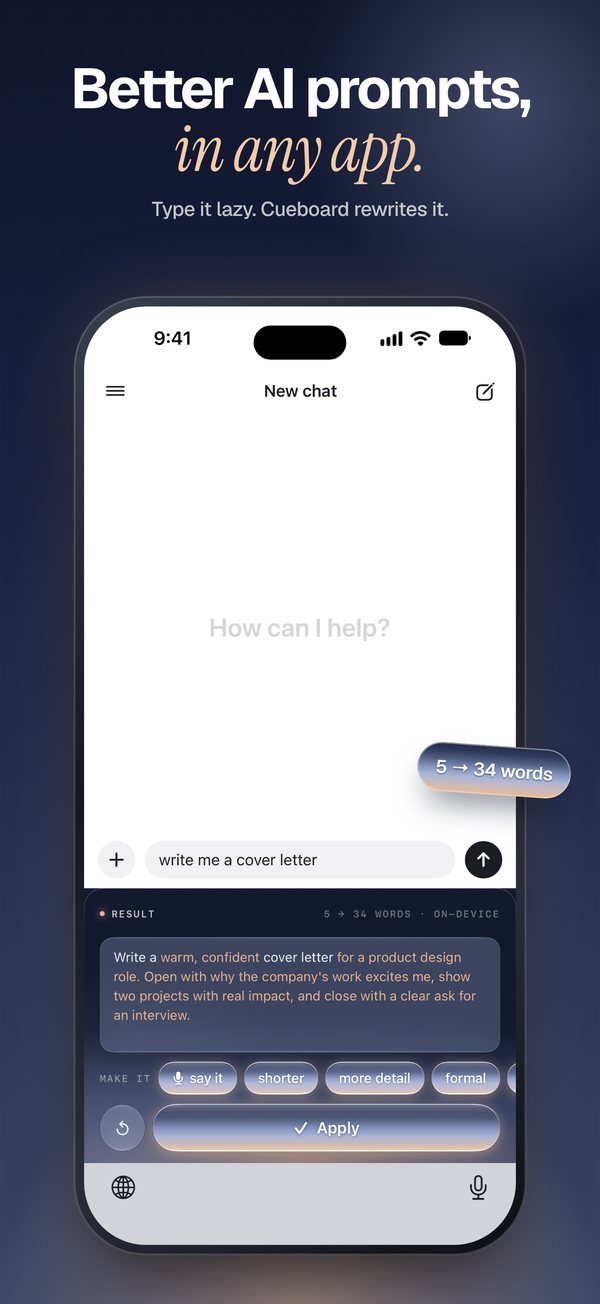
Type the lazy version. Cueboard writes the prompt AI understands, in any app on your iPhone.
AI answers exactly what you ask. Cueboard adds what a good prompt needs: who it's for, the tone, the format and the detail.
You type
ask my boss for friday off
5 words
Write a short, polite email to my manager asking for this Friday off. Mention that my tasks for the week will be finished by Thursday and that a teammate can cover anything urgent. Keep it warm but professional, under 100 words, and end by offering to talk if the timing is a problem.
The real keyboard, in the apps you already use.
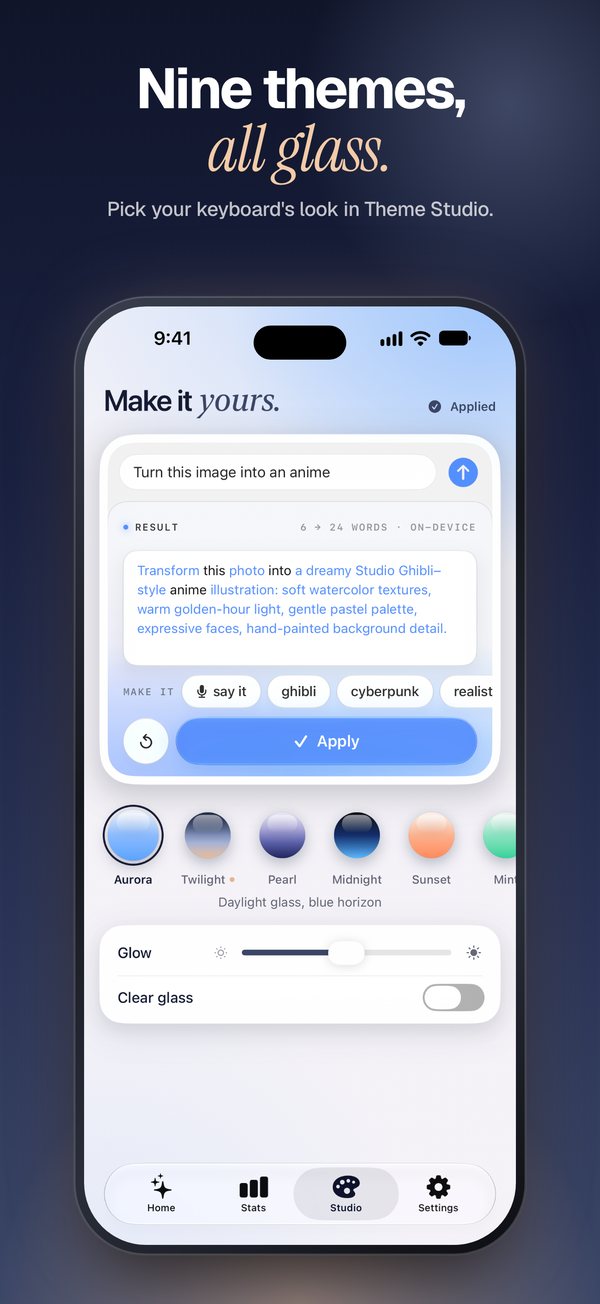
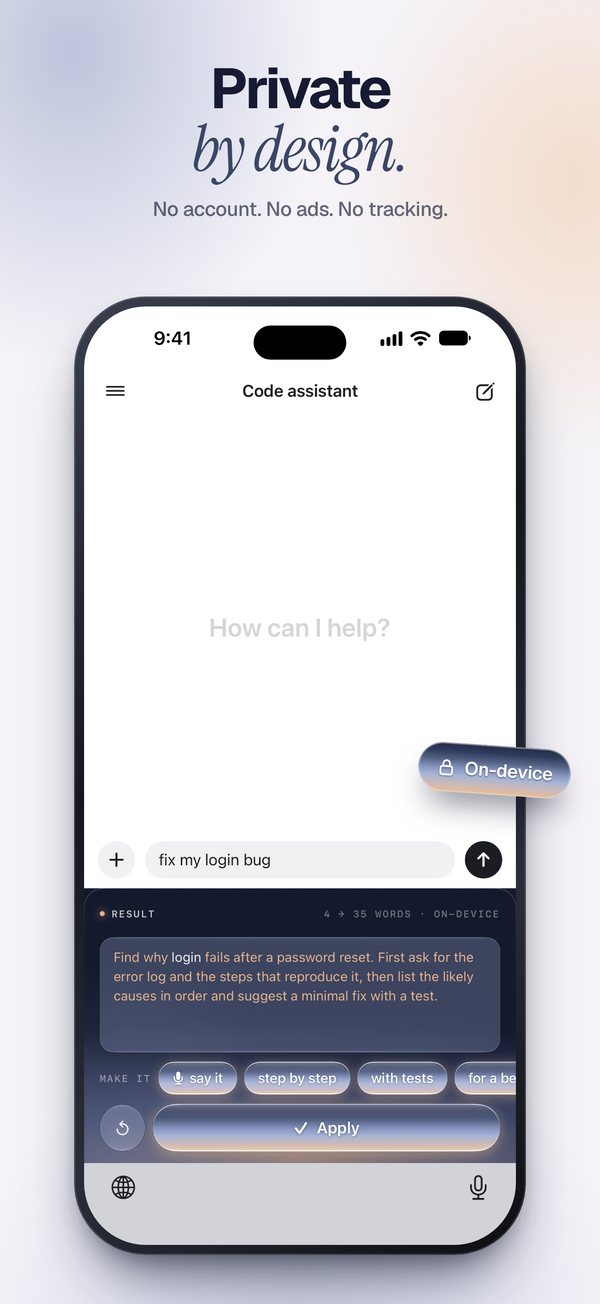
Not quite right? Tap a chip and it rewrites. Undo brings the last one back.
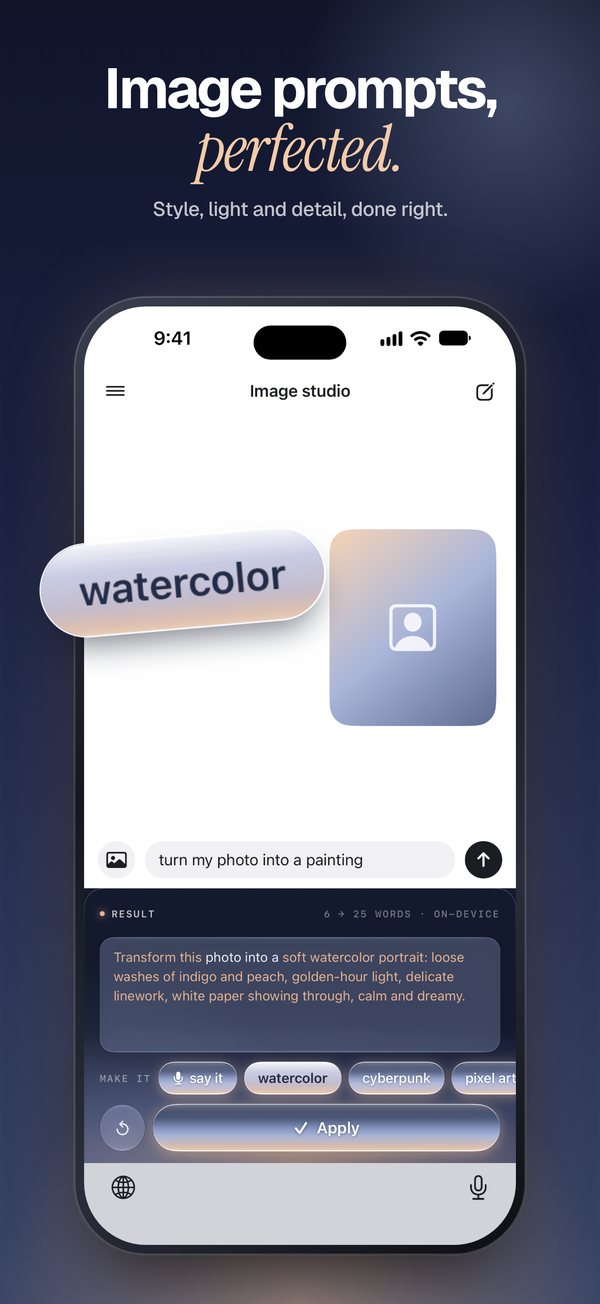
It spots when you want a picture and adds the style, light, mood and framing.
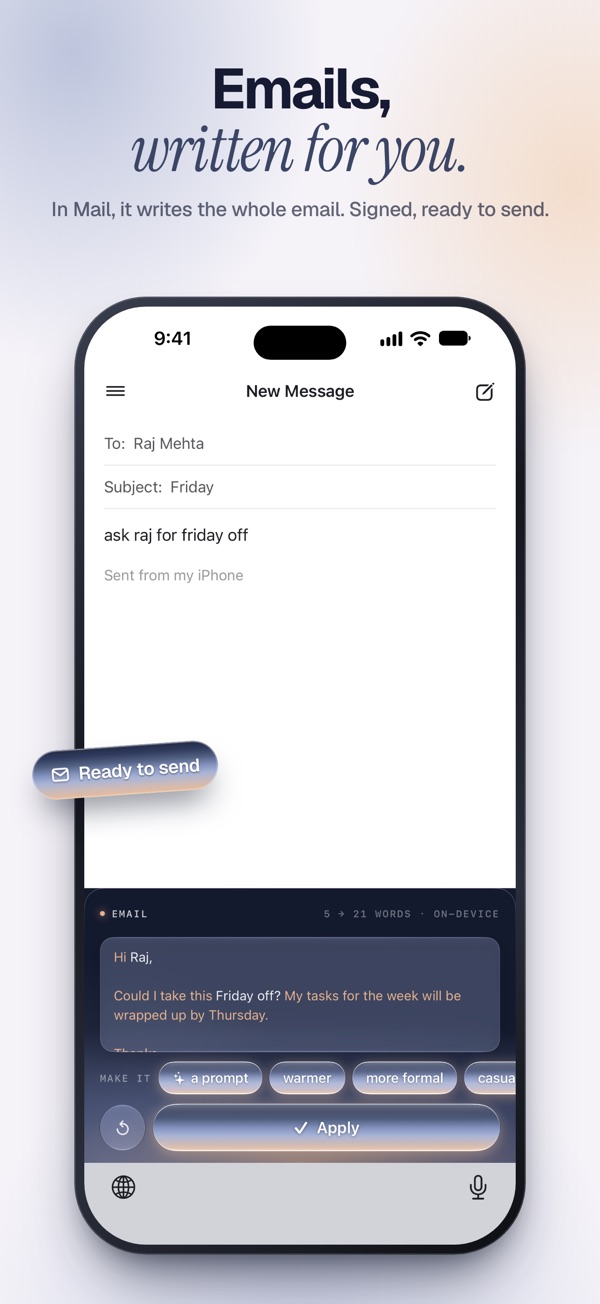
In Mail, type “ask Raj for Friday off” and get the finished email, signed by you. Your signature stays put.
Any chat assistant, image generator, email, notes or docs app. If the keyboard opens, Cueboard works.
Select text in any app, tap Share, pick Cueboard. The better version is one tap away.
Tell it what you do and how you write, once. Every prompt is shaped for you after that.
A keyboard sees what you write, so Cueboard was built to see as little as it can. Read the privacy policy.
TWILIGHT
Transform this photo into a dreamy Studio Ghibli–style anime portrait: soft watercolor, golden-hour light, pastel palette.
Every new iPhone gets two weeks of Pro, free. No card needed.
$0
$4.99/ month
or $29.99 a year, which is half the price
Any app where the iPhone keyboard opens: chat assistants, image generators, email, notes, docs. iOS keeps third-party keyboards out of password and phone-number fields.
Yes. Type as usual, then hold the globe key and pick Cueboard. It rewrites what's in the field, and Apply puts it back. Switch back the same way.
iOS asks this of any keyboard that uses the network. Cueboard needs it to reach the AI model when your iPhone can't write the prompt itself, and to share your settings with the app. Nothing else.
Any iPhone on iOS 17 or later. On iPhones with Apple Intelligence (iOS 26), prompts are written on the device.
Nothing you have to do. You keep 30 free prompts every month. Upgrade to Pro only if you want unlimited.